

Time tracking that feeds your invoices
Start a timer or fill in the week. Approved hours go on to invoices and pay.
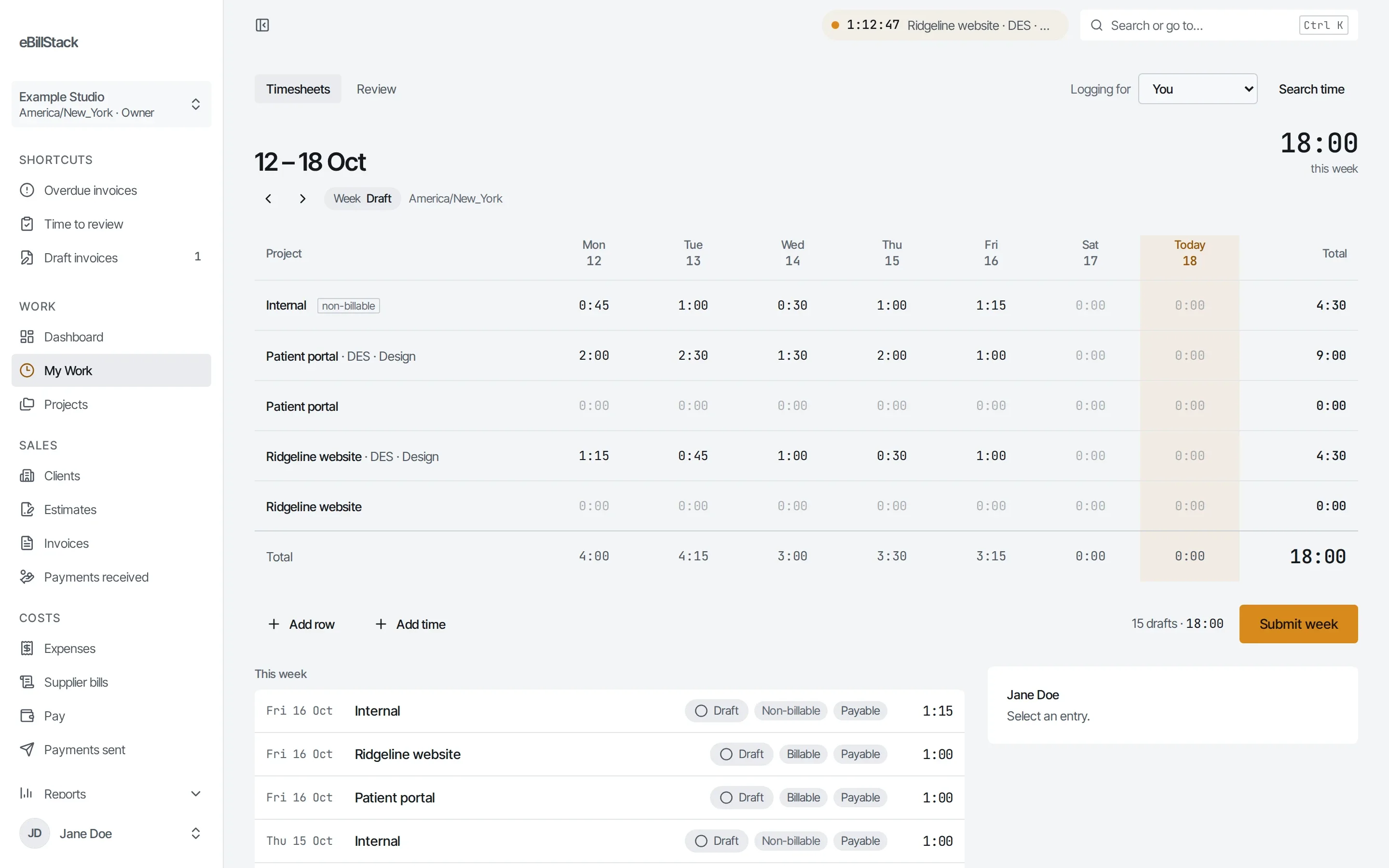
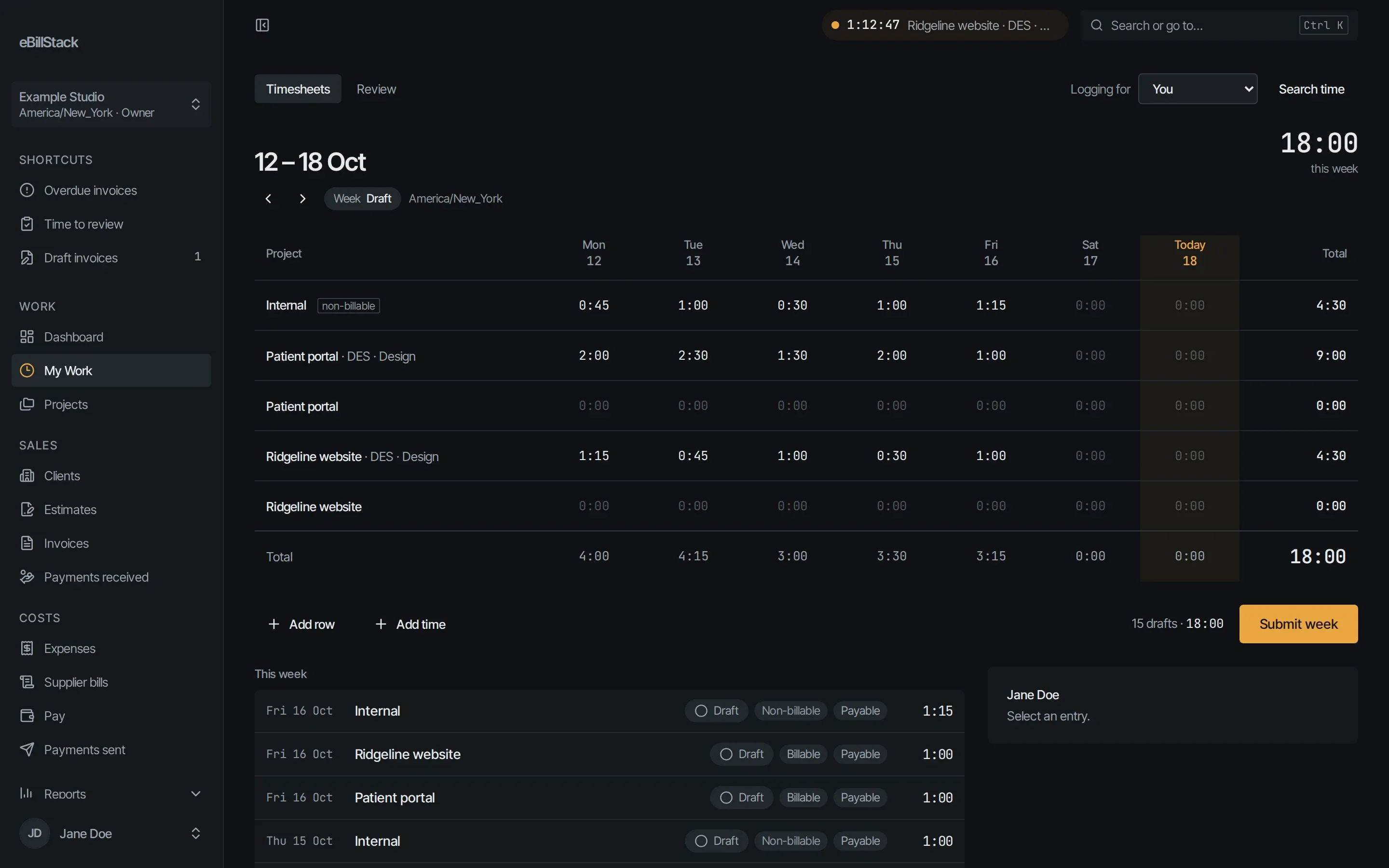
Timer and timesheet
- Each person has one timer. Start and stop it from the app.
- Stopping the timer makes a draft entry.
- The weekly timesheet grid lets you fill in the whole week at once.
- Projects, tasks and clients organise the entries.
- Tasks can be firm-wide, usable on every project, and carry a code such as 03-100.
Submit and approve
- People submit a week for review.
- Owners, Finance and Project Managers can approve time.
- Project Managers don’t see pay rates.
- Owners choose how approval works: every week needs approval, only long entries and long days do, or nothing does.
- An optional setting stops people approving their own time.
Billable and payable
Each entry is billable and payable independently. One entry can go on a client invoice and into someone’s pay, or just one of them.
Project billing
A project can bill hourly, for a total project fee, or for a fixed amount per invoice.
Find and export
- Search time with filters.
- Edit many entries at once.
- Export to CSV.
Who sees what
The Member and Contractor roles see only their own time and pay.
Send your next invoice from here
Free for 1 person and up to 10 active clients. No card needed.