

Log expenses and bill them on
Log what you paid, attach the receipt, and bill it to the client.
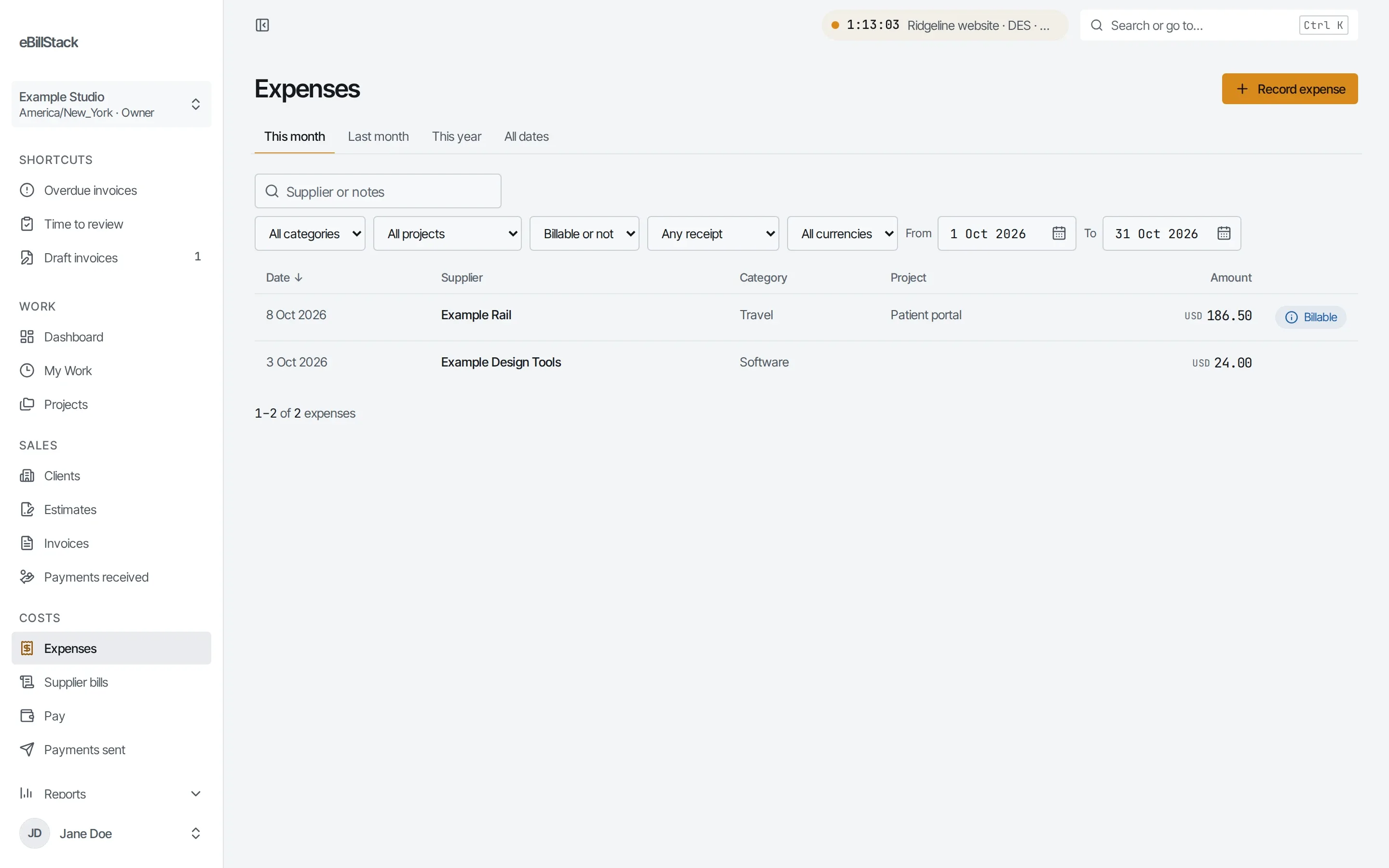
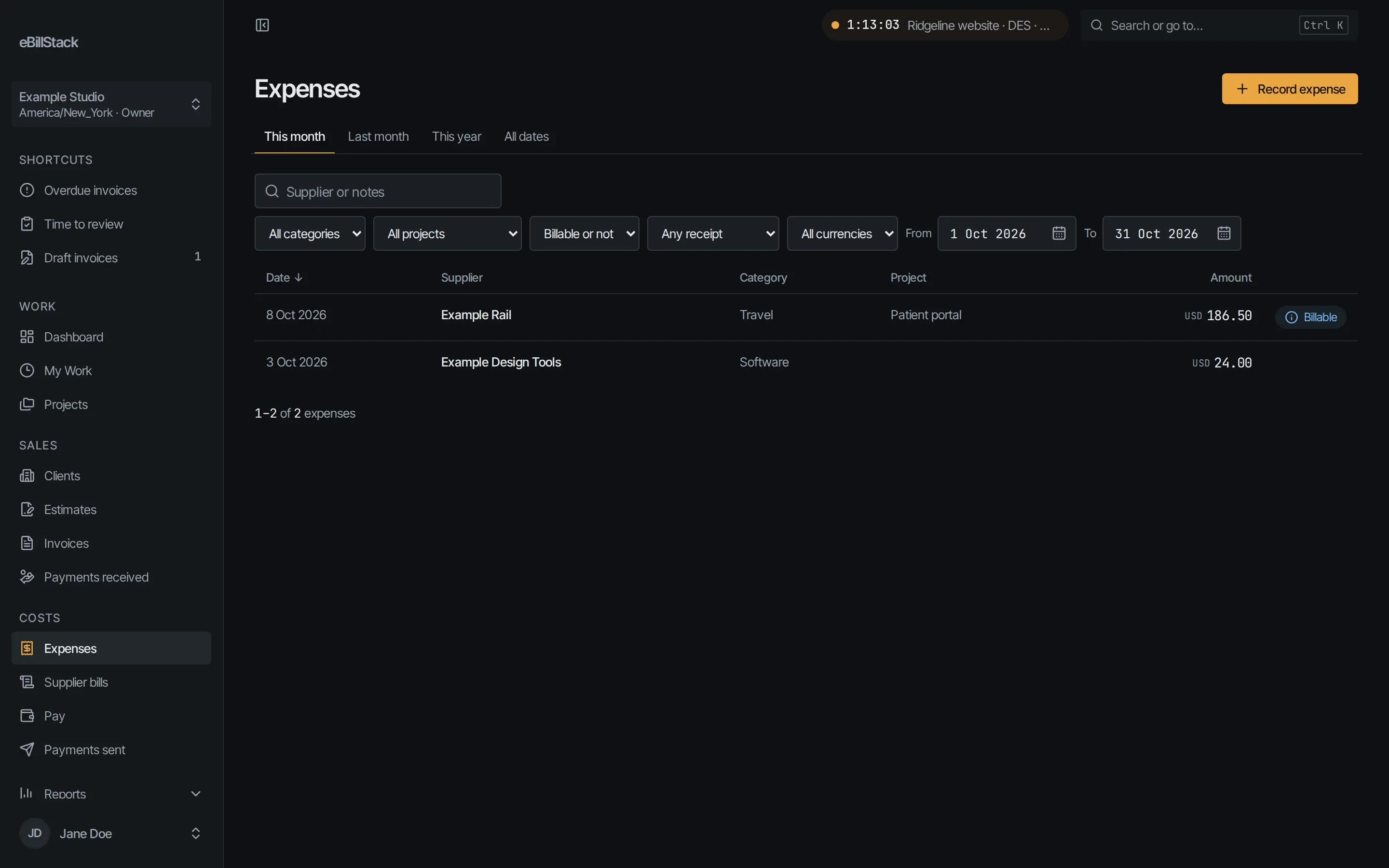
Log an expense
- Record the date, category, amount and tax.
- Add the supplier, the project and notes.
- Attach a receipt as a PNG, JPEG or PDF.
Billable expenses
Billable expenses go onto the client’s next invoice.
Supplier bills
- Record bills from your suppliers.
- Attach the bill file.
- Record payments, including partial payments.
Supplier bill tracking is a setting you turn on.
Send your next invoice from here
Free for 1 person and up to 10 active clients. No card needed.